
Websites That Book Jobs While You're Out on One
Custom websites for plumbers, HVAC, roofers and local businesses, with online booking and an owner app that puts every new customer straight on your phone.
From Their Search to Your Phone in Seconds
No missed calls, no lost voicemails. Every request lands with you, ready to confirm.
They find you
A homeowner searches "drain cleaning near me" and lands on your site.
They book
They pick a day and a time slot. No phone tag, no waiting until morning.
You get it
The booking arrives in your owner app and your email instantly.
You confirm
One tap to confirm, then mark it done and record the payment.
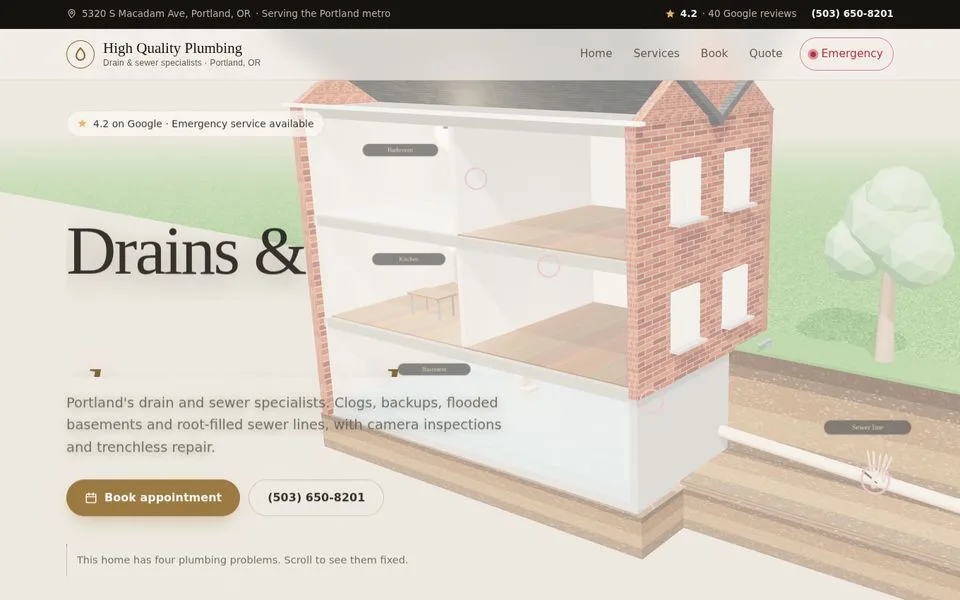
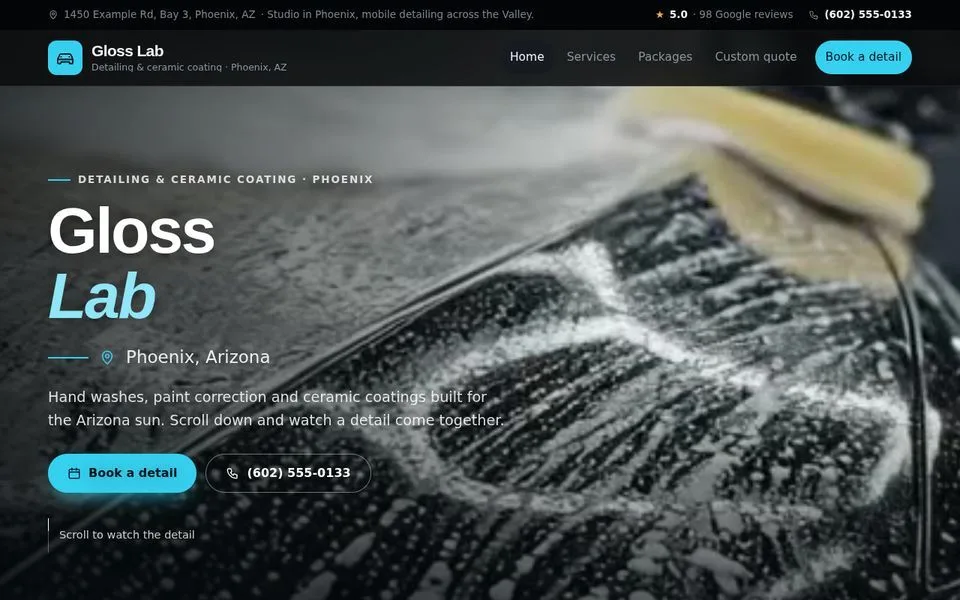
Pick a Trade. See the Design.
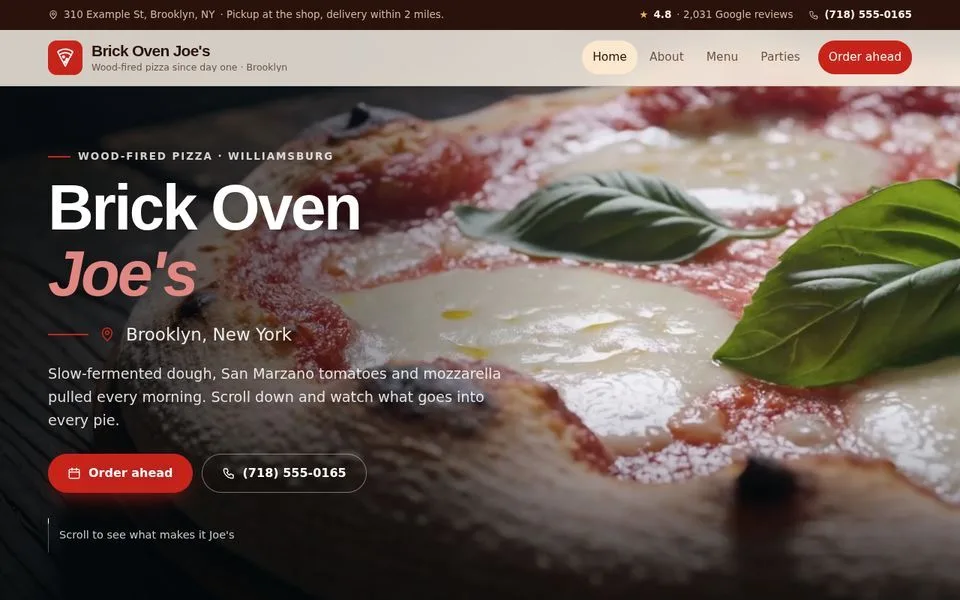
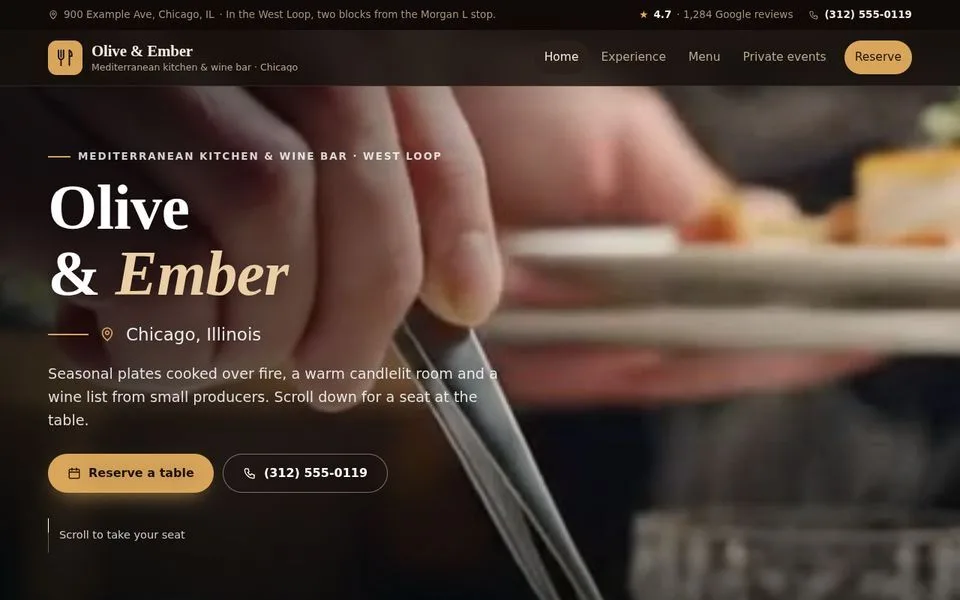
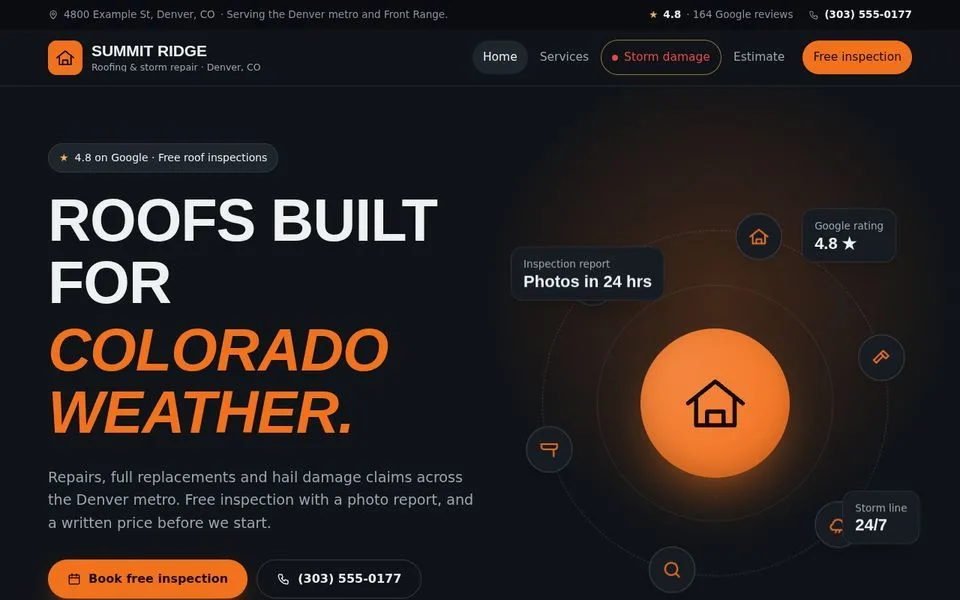
Every demo is a live site you can open and explore. Yours is built the same way, with your name, services, reviews and area.

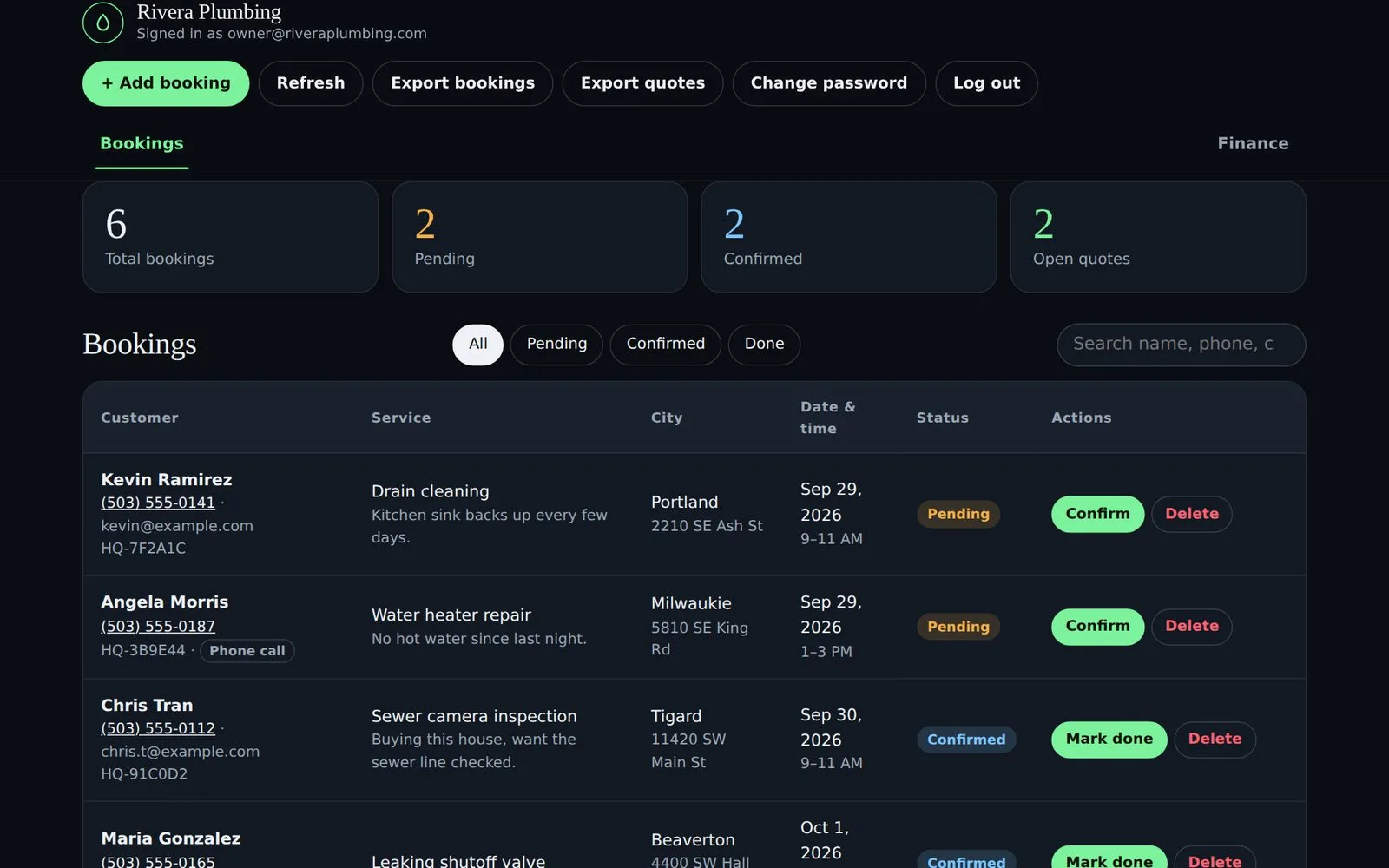
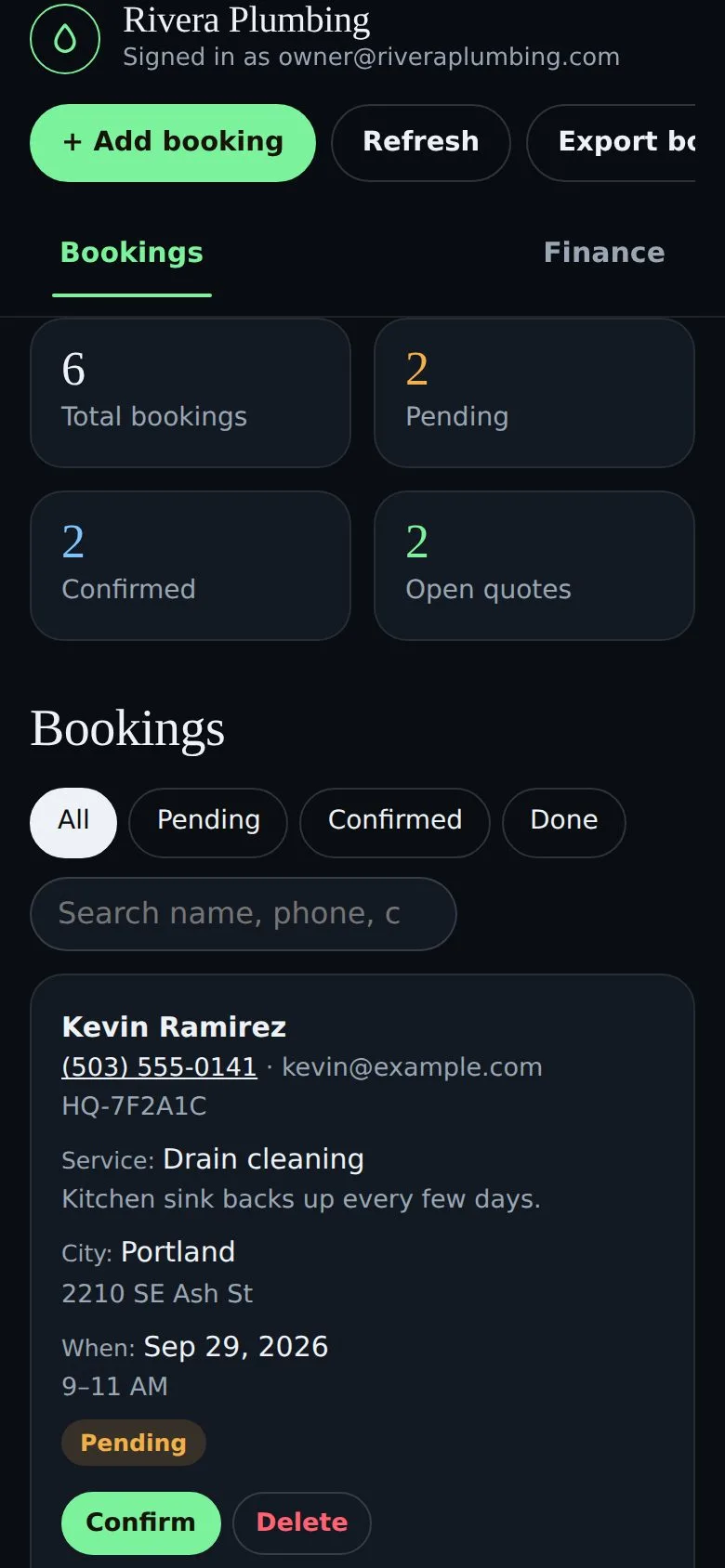
Your Whole Business in One Simple App
Included with every website. It installs on your phone like a normal app, no app store needed, and your data stays in your own account.
Every booking, one list.
Website bookings and quote requests land here the moment they're sent. See the service, the day and the address at a glance.
- Confirm, mark done or reopen with one tap
- Filter by pending, confirmed or done
- Tap a number to call the customer
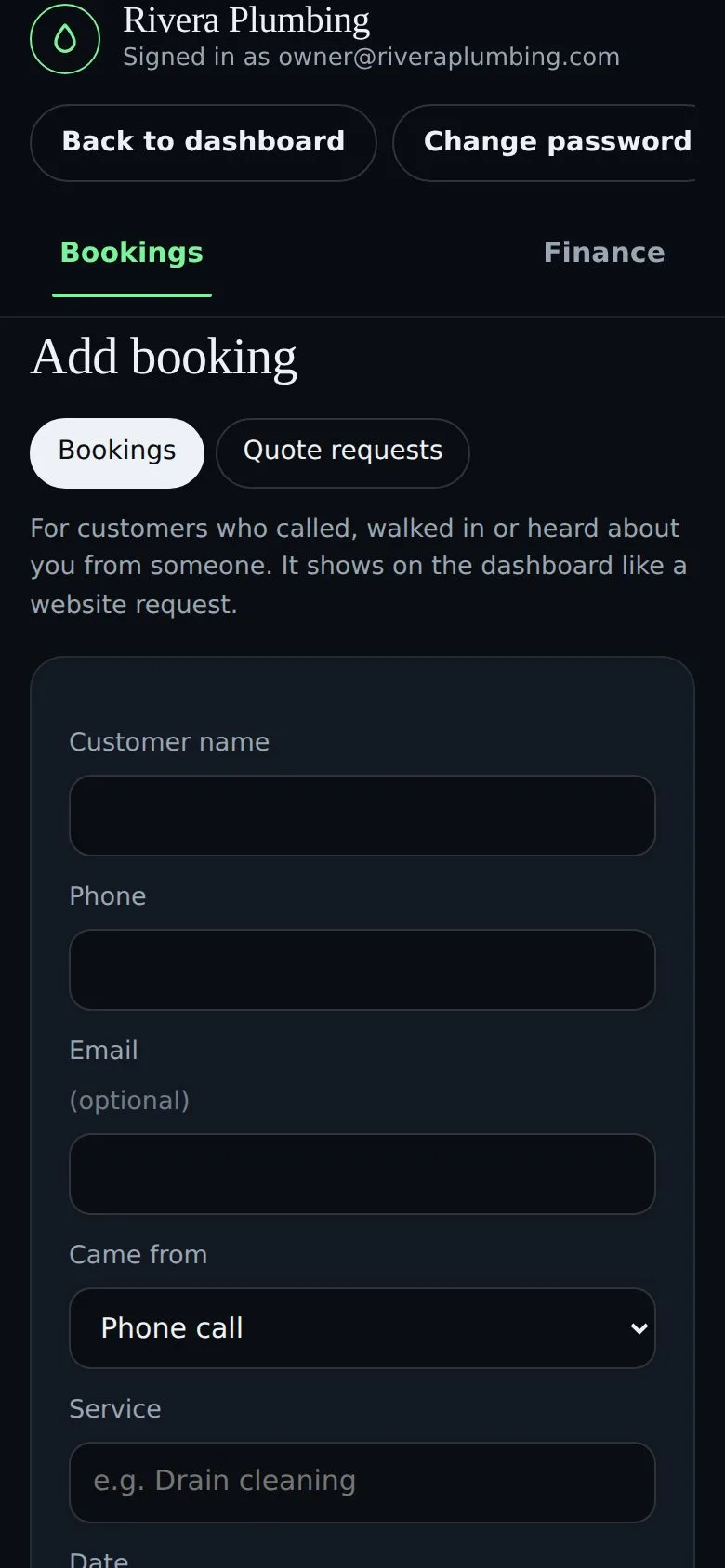
Calls and walk-ins go in too.
Not every customer books online. Add the ones who called, walked in or were referred, and they sit in the same list.
- Tag where they came from: phone, referral, word of mouth
- See which channel brings you the most work
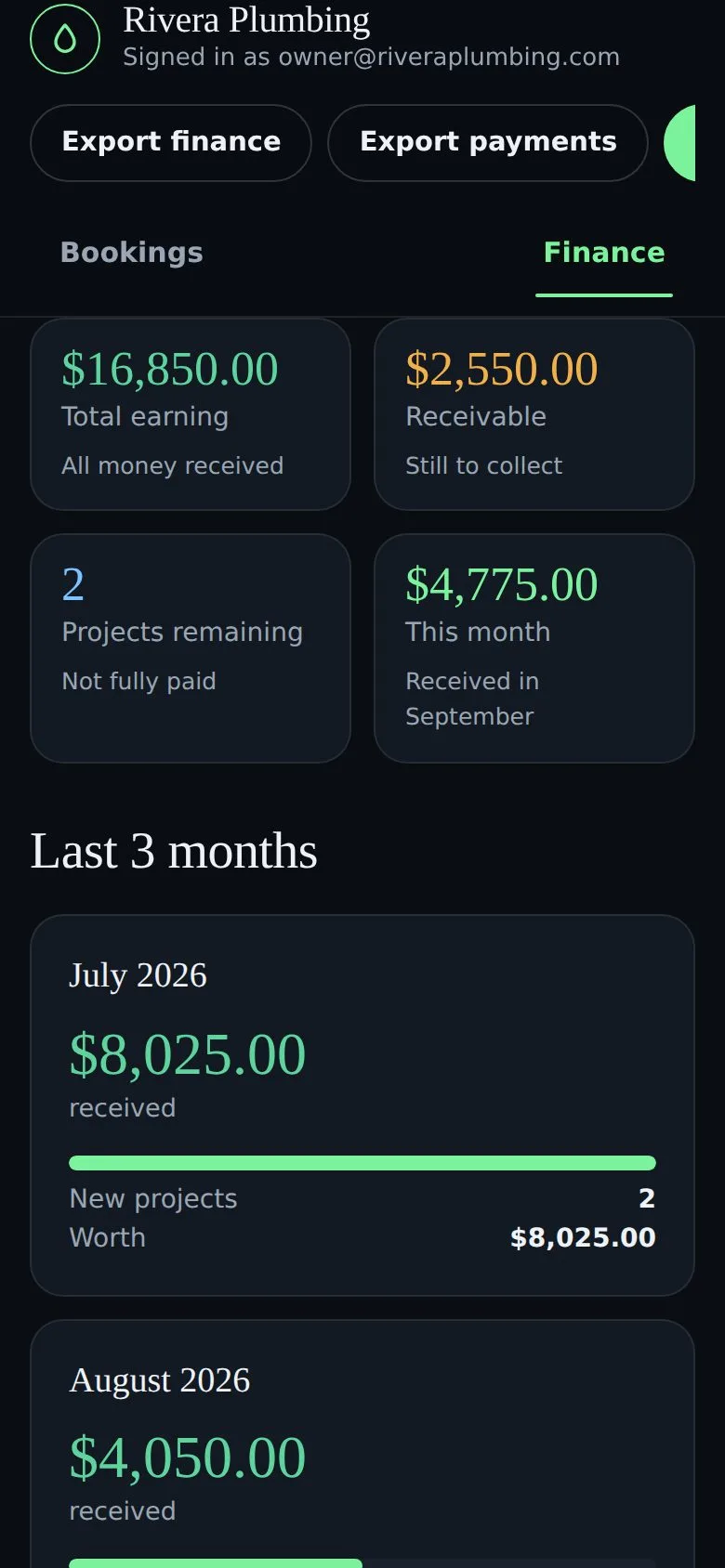
Know who's paid and who owes you.
Turn a finished job into a project with one tap, then record full or partial payments as they come in.
- Total earned, money still owed and this month
- The last three months side by side
- A report with a spreadsheet emailed on the 1st
On your home screen, in your brand.
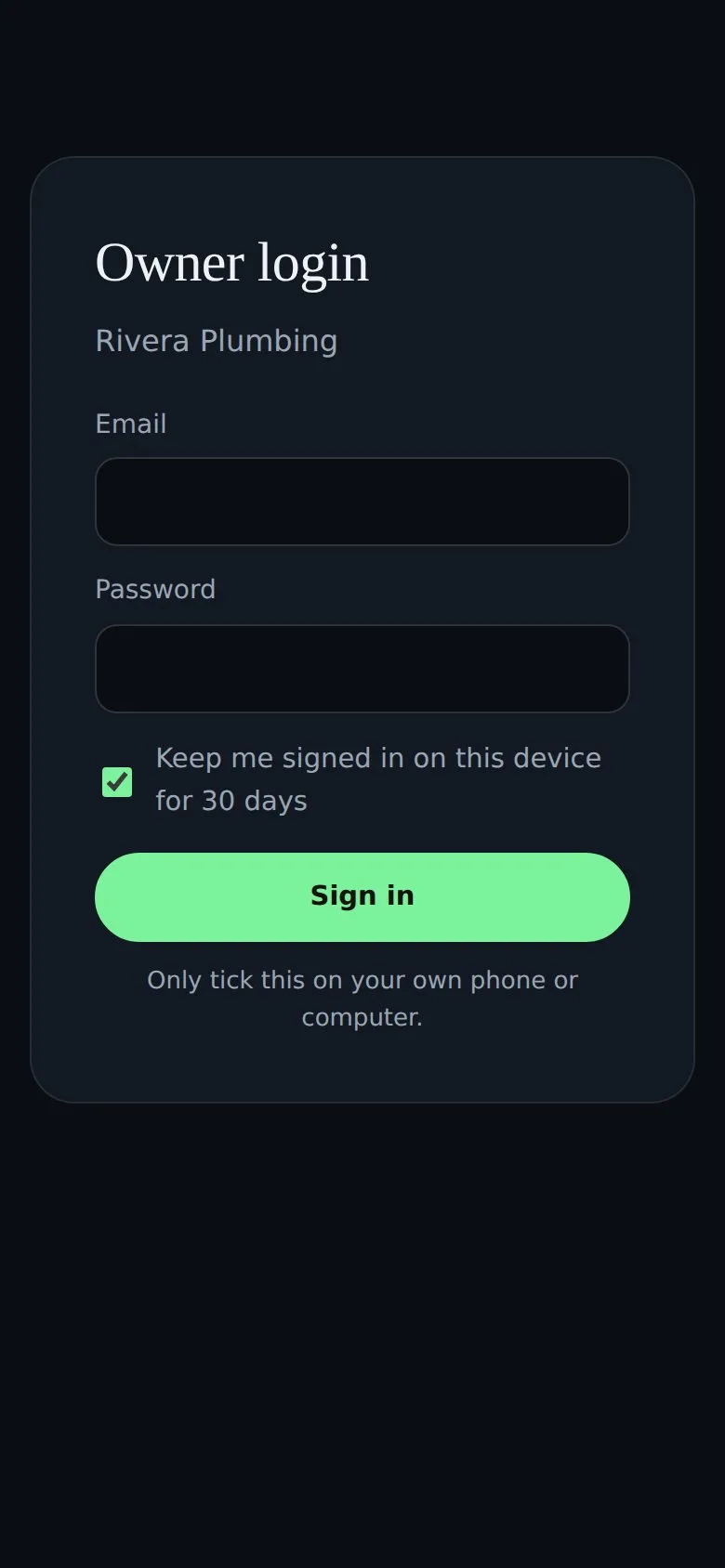
Add it to your home screen on iPhone or Android. It carries your logo and colors, and stays signed in on your own phone.
- Private login, hidden from Google
- Your words: Appointments, Orders, Inspections
- Staff logins available as an add-on
Built for Owners Who'd Rather Be on the Job
A monthly report, done for you
On the 1st of every month, a summary of what you earned, what's still owed and every project lands in your inbox, with a spreadsheet for your accountant.
Instant alerts
Every booking and quote request, in the app and in your email.
A custom website
Designed around your trade, fast on phones and structured for Google and AI search.
Google Business Profile
Categories, services and photos tidied up and linked to your new site.
Export anytime
Bookings, quotes, projects and payments as spreadsheets.
Private and secure
Encrypted passwords, protected forms, spam filtering and daily backups.
Monthly care
Hosting, updates and small changes whenever you need them. Just send a text.
More Than a Website
| What you get | DIY site builder | Typical web agency | SBGeeks |
|---|---|---|---|
| Custom design for your trade | Template | ✓ | ✓ |
| Online booking and quote requests | Add-on | Extra | ✓ |
| Owner app for bookings | — | — | ✓ |
| Payments and monthly report | — | — | ✓ |
| Google Business Profile set up | — | Extra | ✓ |
| You build and update it yourself | Yes | No | No |
| See a working demo before paying | — | Rarely | ✓ |
| Live in about a week | Depends on you | Weeks to months | ✓ |
From a Call to a Live Site, in About a Week
Four simple steps. We do the heavy lifting; you get back to running jobs.
Quick call
You tell us about your jobs, your area and what isn't working today.
See your demo
We build a working preview with your name and services before you pay anything.
Live in about a week
Your domain, your hosting and your Google profile linked and launched.
We look after it
Updates, backups and changes every month. Just send a text.
Simple Pricing. Pick How You Pay.
Same website, same owner app, same care. The only difference is how the setup is paid.
Pay Once
Plus $99 a month for hosting, care and the owner app.
- Custom website and online booking
- Owner app and monthly report
- Google Business Profile optimization
- Live in about 7 days
Split It
Plus $99 a month care. Everything included, spread over three payments.
- Everything in Pay Once
- No interest, no paperwork
Zero Down
Nothing up front, care included. 12-month minimum.
- Everything in Pay Once
- Care included in the monthly
You own your domain and your website. Cancel monthly care any time with 30 days' notice (Zero Down after the first 12 months) and we hand everything over. Staff logins for your team are available as an add-on.
Questions Owners Ask Us
Stop Missing Jobs After 5 PM.
Book a 10-minute call. We'll show you a demo built for your trade, walk you through the owner app and answer every question. No pressure, no contract on the call.
