
Bookings dashboard
Website bookings and quote requests land in one list the moment they are sent. Confirm, mark done or reopen with one tap.
The owner app · included with every website
Bookings, quote requests, jobs and crew, money, reports and alerts — on your phone, installable like a normal app, with your data in your own account.
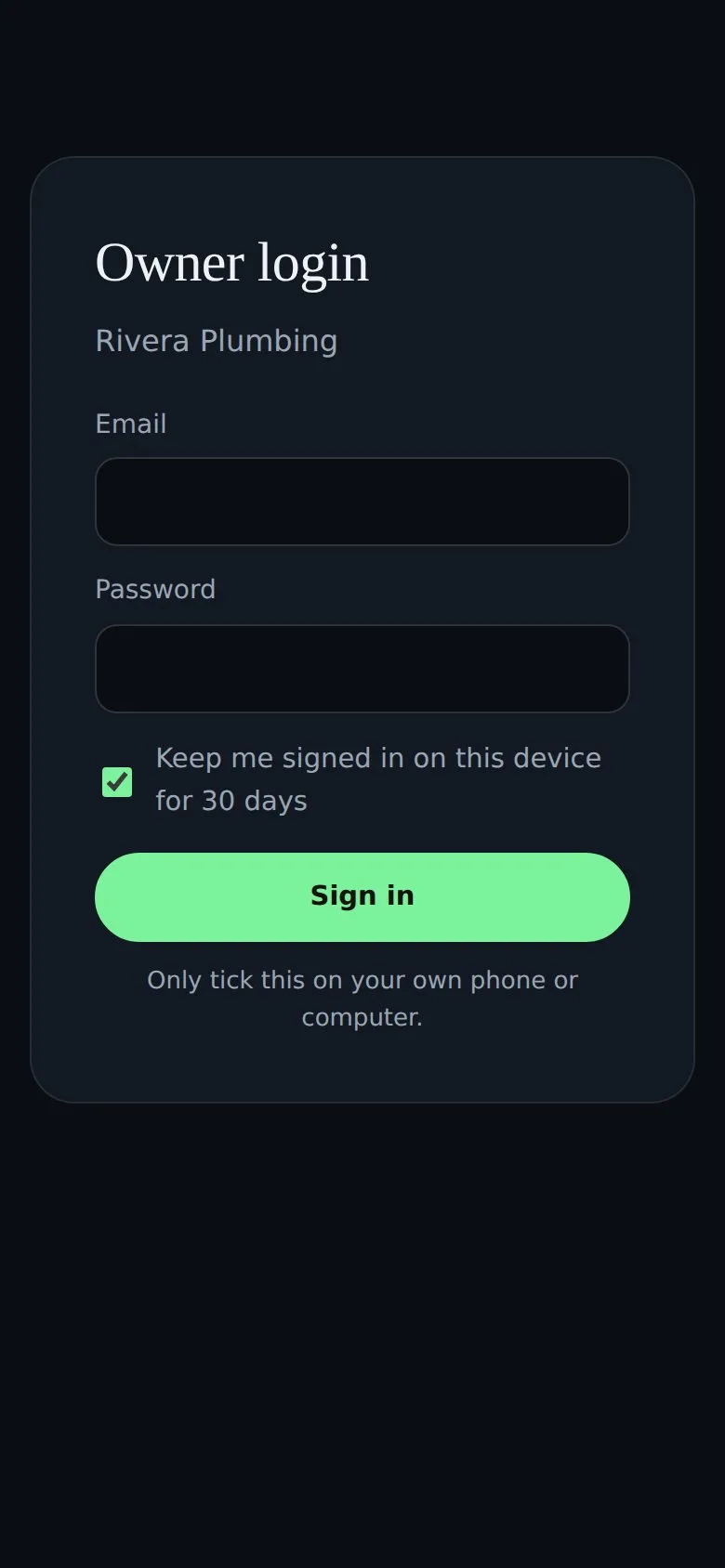
Demo login is filled in — just press Sign in.
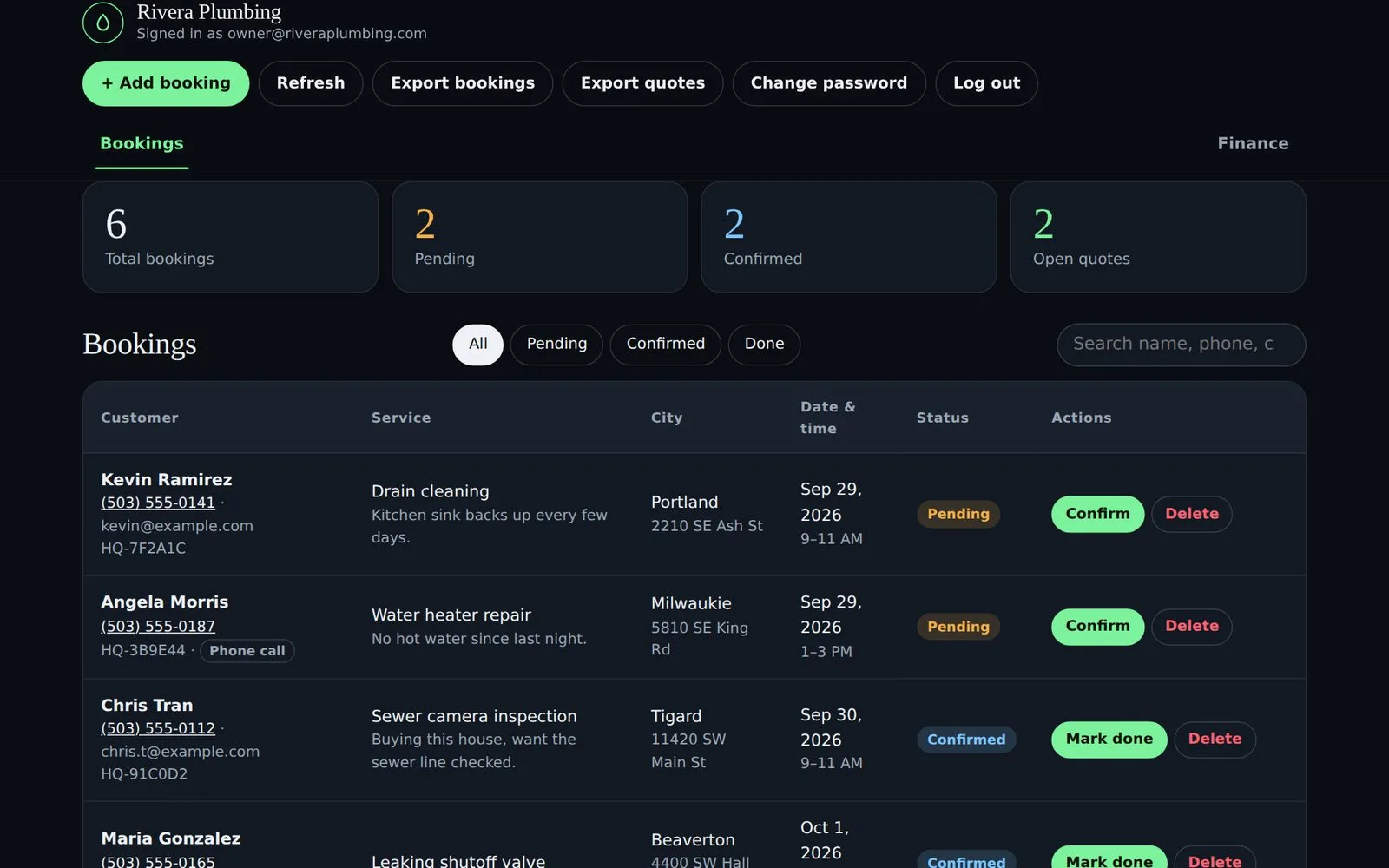
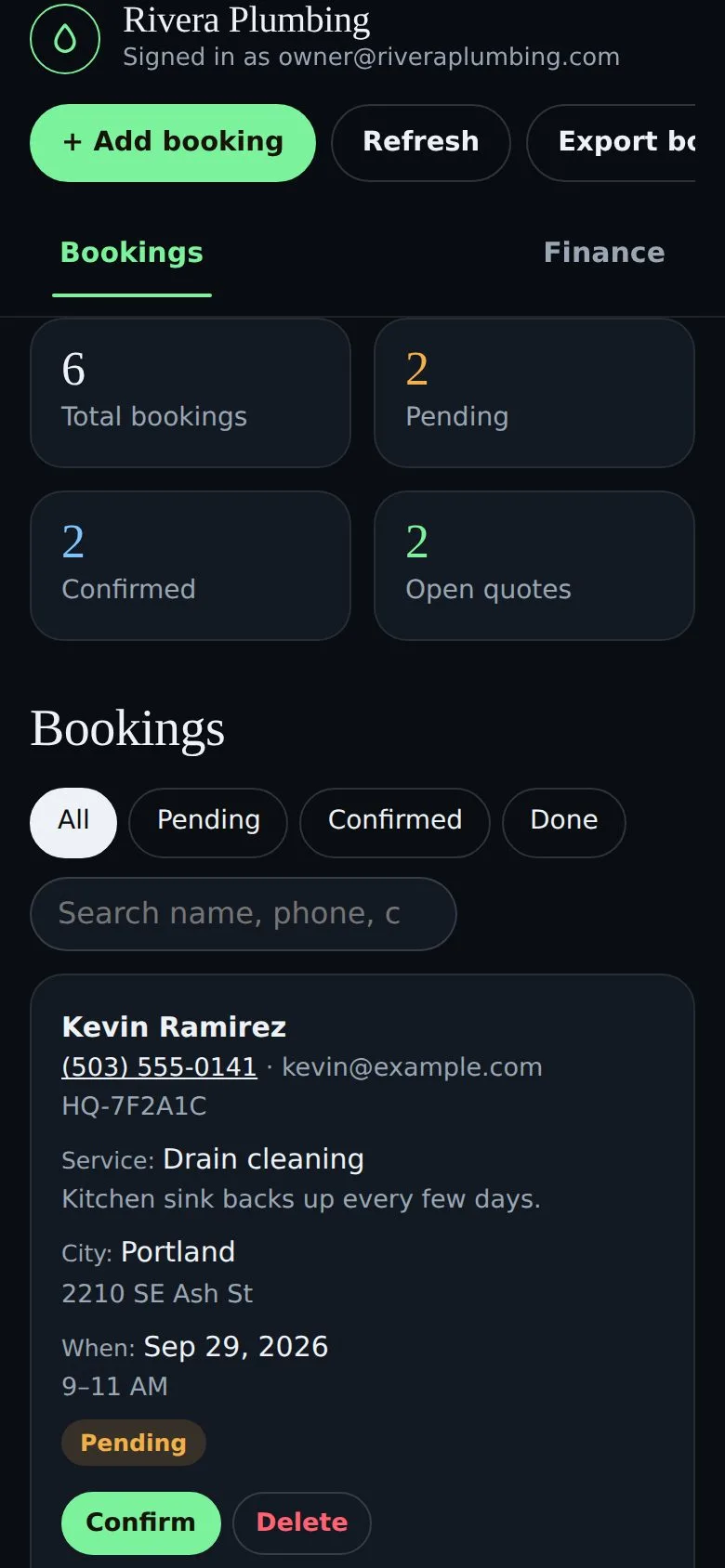
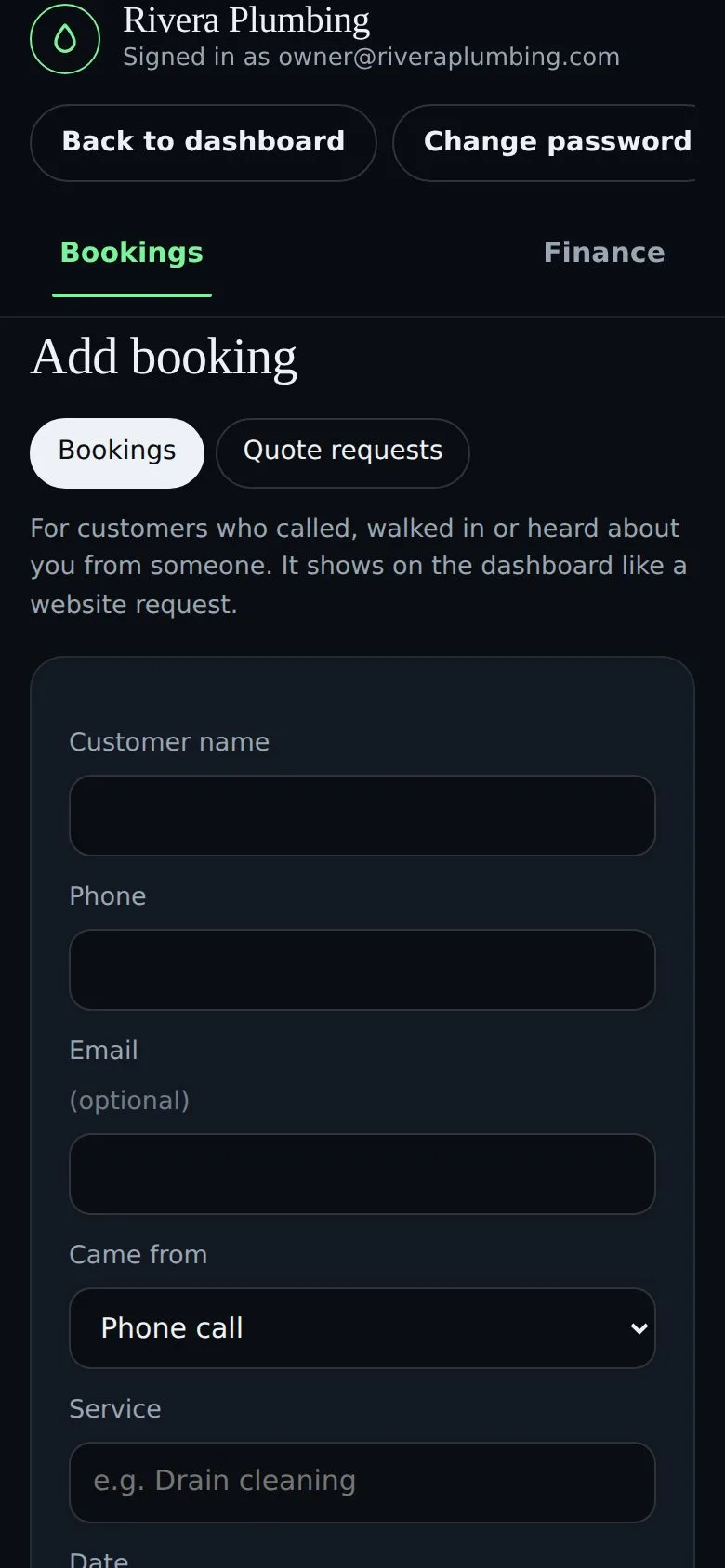
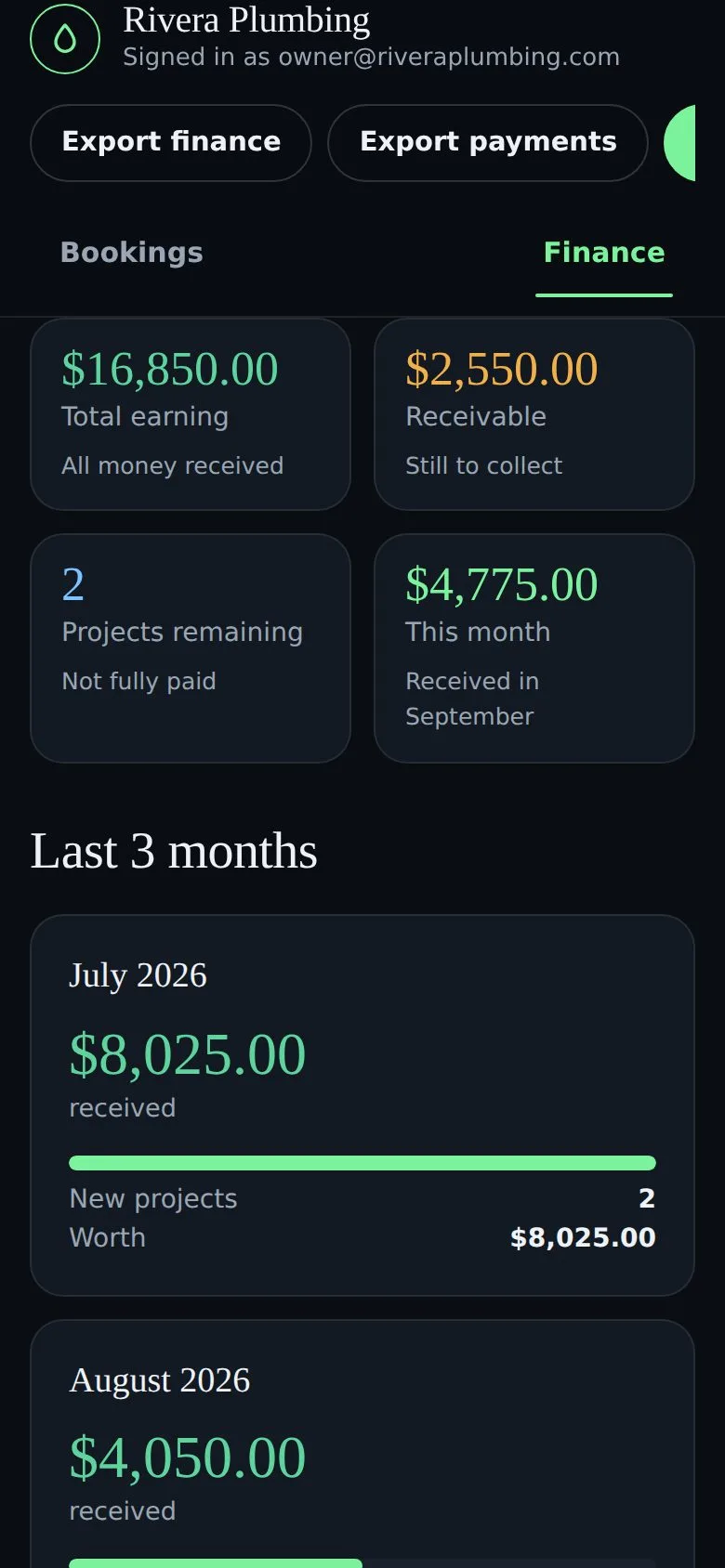
Scroll to see the same app move through a real day.
A customer books on your website and it appears at the top of your list instantly, with the service, day and address.
Someone phoned instead? Add them in seconds and tag where they came from, so every lead is in one place.
Mark the job done, turn it into a project and record full or partial payments. See earned, owed and this month at a glance.
Installed like a normal app, in your brand, signed in on your own phone. Private, and hidden from Google.
It plays on its own — hover to pause, or tap a dot to jump to any feature.
No add-ons to buy, no separate tools to stitch together. Every feature, in one place.
Website bookings and quote requests land in one list the moment they are sent. Confirm, mark done or reopen with one tap.
A pipeline for quotes: record the amount, set a follow-up date, and mark each new, quoted, won or lost.
Add customers who called, walked in or were referred. Tag the source and see which channel brings the most work.
Turn a booking into a job, assign a crew, change the time, and check availability so two jobs never clash.
Staff get their own login and see today’s jobs, and mark work done. Finance stays owner-only. Add-on.
Total earned, money owed and this month at a glance, with the last three months side by side.
On the 1st of each month a full report of the previous month is emailed to you, with a spreadsheet.
Bookings, quotes, projects and payments export to a spreadsheet any time. Your data stays yours.
Instant alerts for every new booking and quote, on your phone and in your email.
Installs on your home screen on iPhone or Android, no app store. Carries your logo and colours.
Attach before-and-after photos to a job, kept with that customer’s record.
Hidden from Google, encrypted passwords, protected forms, spam filtering and rate limiting.
The same app on a computer in the office and a phone on the job.
Add to your home screen on iPhone or Android — no app store needed.
Open the live demo and click around — add a booking, mark it done, check Finance. Then get a website with the app built in.
 Install the appSBGeeks on your home screen