
Our work
Websites, software and SEO results we have built
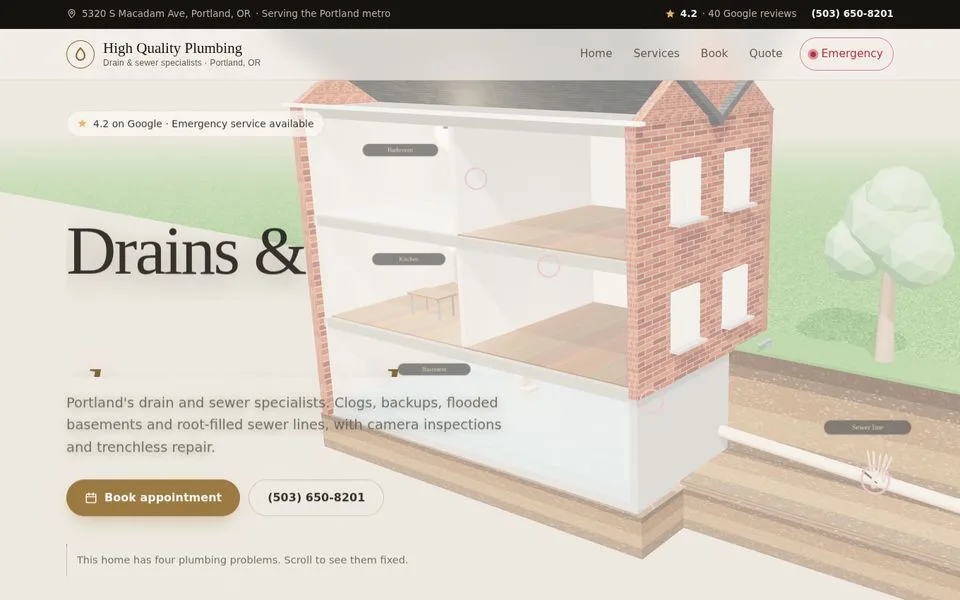
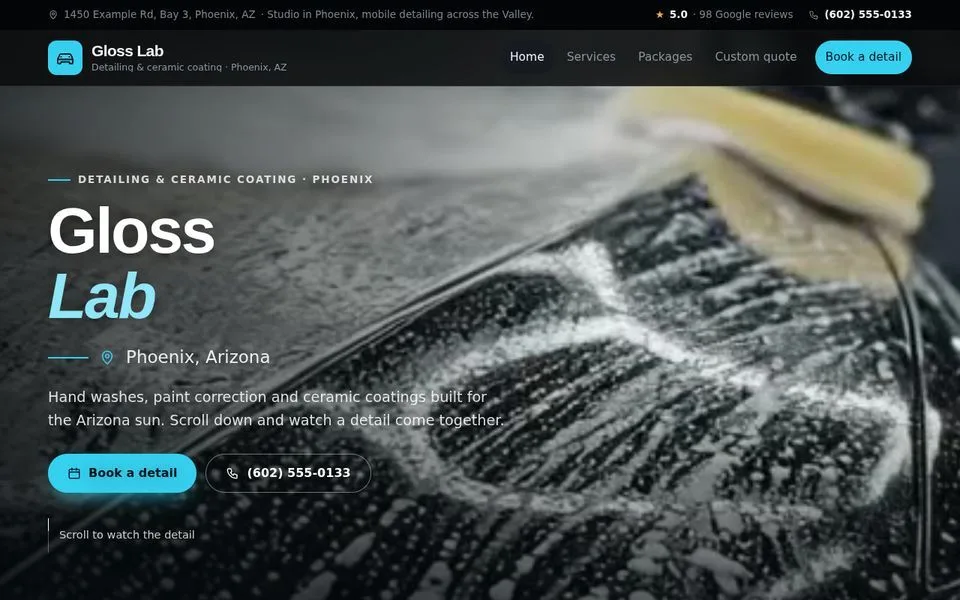
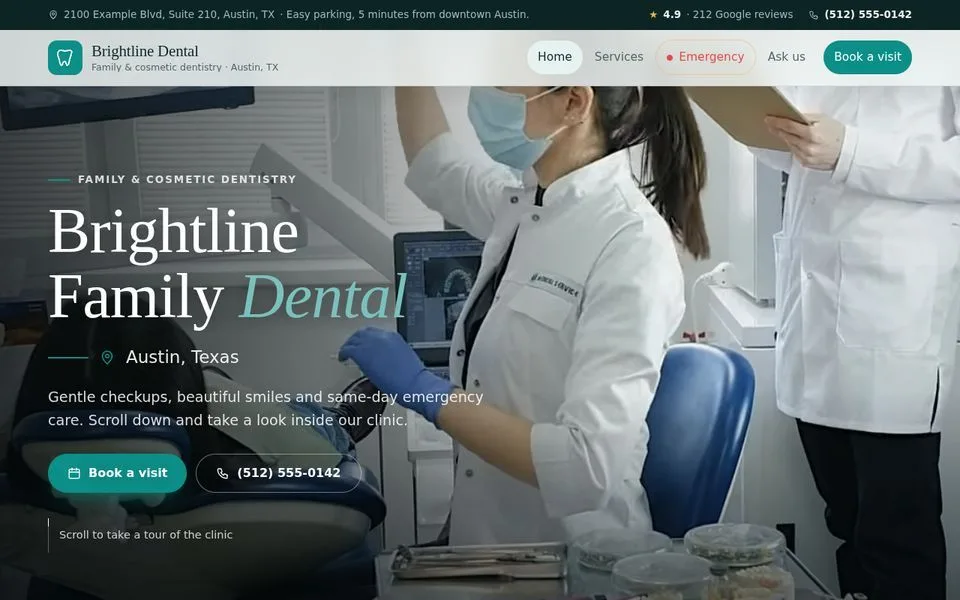
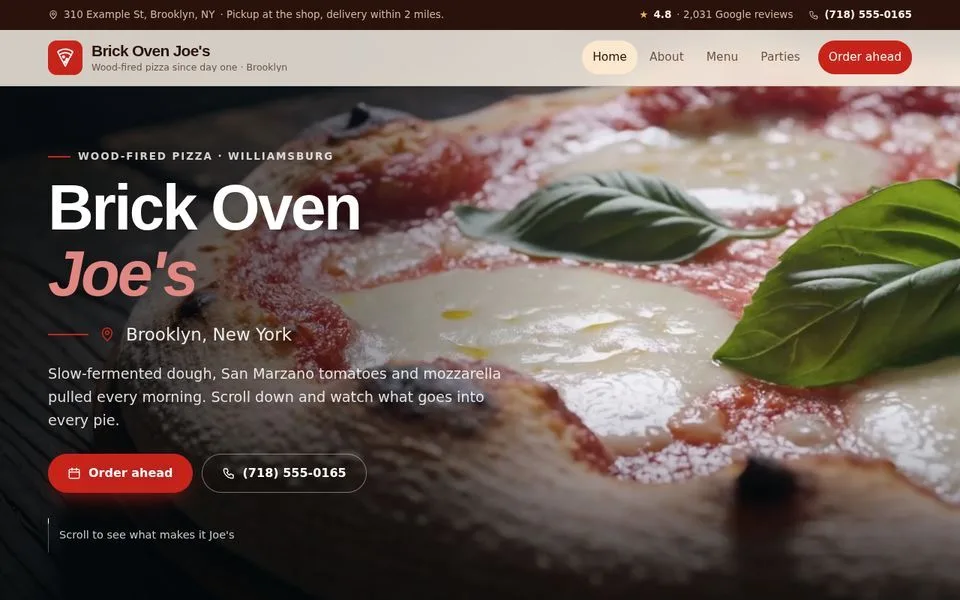
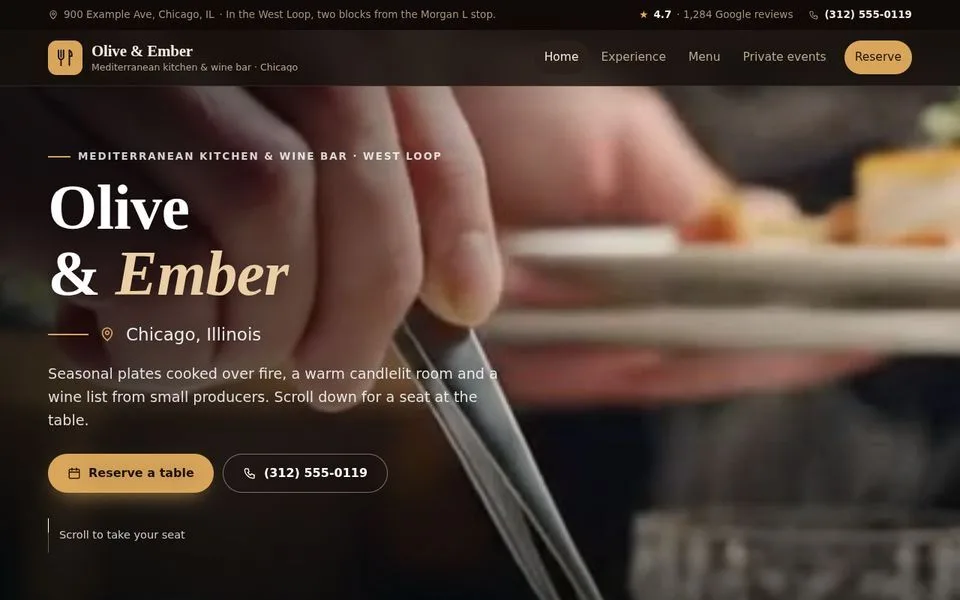
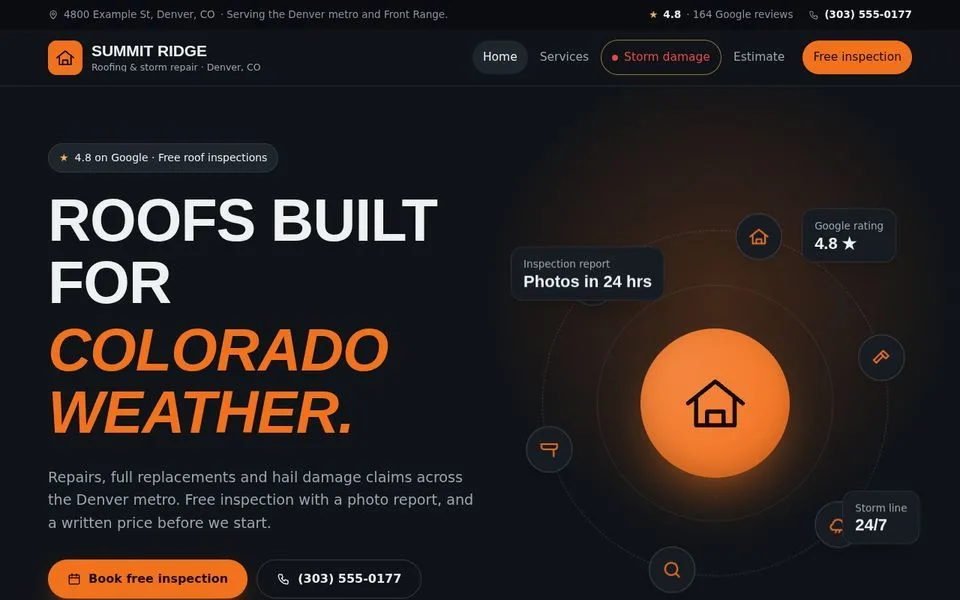
We build custom websites for local businesses, our own booking and field-service software, and the local SEO that gets them found. Here is a sample of each.
Owner app
Bookings dashboard
Every booking and quote request in one list, on desktop and phone.
Try the live demo
Owner app
Finance tracker
See who has paid and who still owes, with a monthly report by email.
Try the live demo
Owner app
Installable phone app
Installs on the home screen; every new request lands on the phone.
Try the live demo+312%inbound leads
Outranking big-box retailers in local search
Local traffic had stalled and high-intent searches were going to national chains.
Read the case study Health food chain · Austin, TX84%top-3 map pack share
Twelve locations brought under one profile strategy
Fragmented profiles across twelve stores were confusing customers and suppressing rankings.
Read the case study Emergency services · Seattle, WA4.2xreturn on investment
Replacing paid-search dependence with organic visibility
Cost per lead on PPC was high and there was no organic presence for urgent-service searches.
Read the case study Our own product · SoftwareGBP Pinbuilt and launched in 2026
The local rank tracker we built for ourselves
Average position hides how local rankings change street by street, so we built a geo-grid tracker.
Read the case studyWant work like this for your business?
Start with a free SEO audit to see where you stand, or tell us what you need and we will show you a plan.
